Freshbowl User Guide
Table of Contents
Connecting with Bluetooth
Freshbowl connects via Bluetooth for fast, seamless pairing with your smartphone. Just follow the steps to link your device and unlock app-based features like temperature monitoring and control. No cables, no hassle.
Bluetooth Setup Instructions
Connect to Bluetooth: Download the “Freshbowl” app from the App Store (iOS) or Google Play (Android). Open the app and follow the steps to create an account.
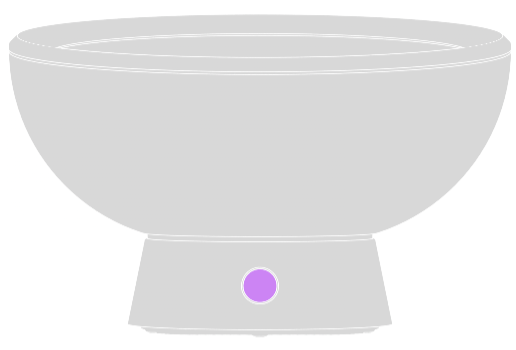
Enable Bluetooth: Press and hold the Freshbowl button for 10 seconds to activate Bluetooth. A signal will be transmitted.
Connect via the app: Open the app, tap “Find my Freshbowl,” select it, and tap “Connect my Freshbowl.”